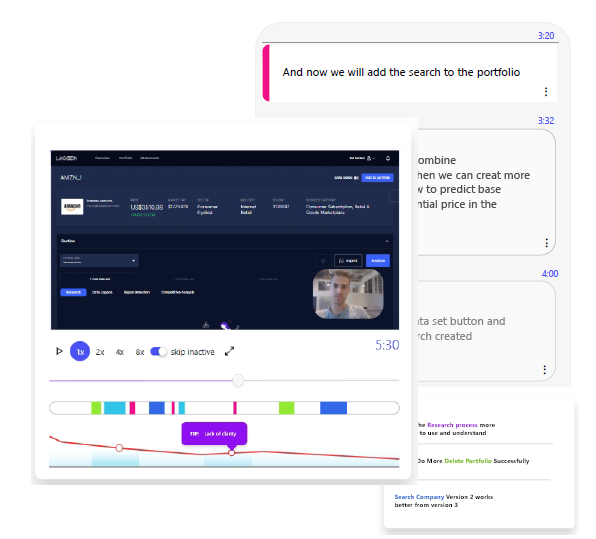
Try tuto using extension
Create and watch tuto’s locally without embedding tuto code on your product.
1. install “User JavaScript and CSS” extension
2. Go to your domain
3. Click on the extension
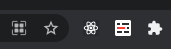
if you don’t see it, click on the puzzle icon and than on the extension
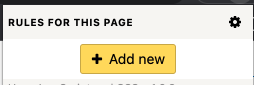
4. Click add new
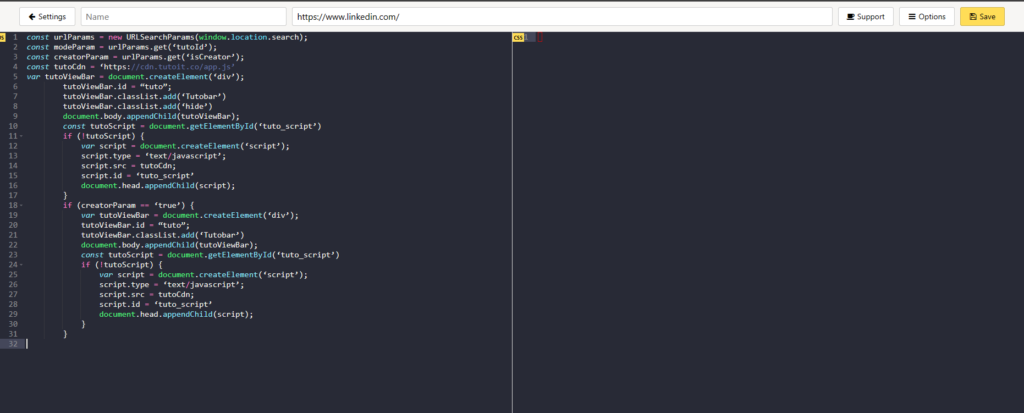
Notice that on the top of the page your domain is shown
5. Copy the code to the js side:
const urlParams = new URLSearchParams(window.location.search);
const modeParam = urlParams.get(‘tutoId’);
const creatorParam = urlParams.get(‘isCreator’);
const tutoCdn = ‘https://cdn.tutoit.co/app.js’
var tutoViewBar = document.createElement(‘div’);
tutoViewBar.id = “tuto”;
tutoViewBar.classList.add(‘Tutobar’)
tutoViewBar.classList.add(‘hide’)
document.body.appendChild(tutoViewBar);
const tutoScript = document.getElementById(‘tuto_script’)
if (!tutoScript) {
var script = document.createElement(‘script’);
script.type = ‘text/javascript’;
script.src = tutoCdn;
script.id = ‘tuto_script’
document.head.appendChild(script);
}
if (creatorParam == ‘true’) {
var tutoViewBar = document.createElement(‘div’);
tutoViewBar.id = “tuto”;
tutoViewBar.classList.add(‘Tutobar’)
document.body.appendChild(tutoViewBar);
const tutoScript = document.getElementById(‘tuto_script’)
if (!tutoScript) {
var script = document.createElement(‘script’);
script.type = ‘text/javascript’;
script.src = tutoCdn;
script.id = ‘tuto_script’
document.head.appendChild(script);
}
}
6. Click save and close the tab
7. In your domain, click on the extension
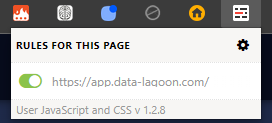
You should see the name of your domain with a toggle turned on